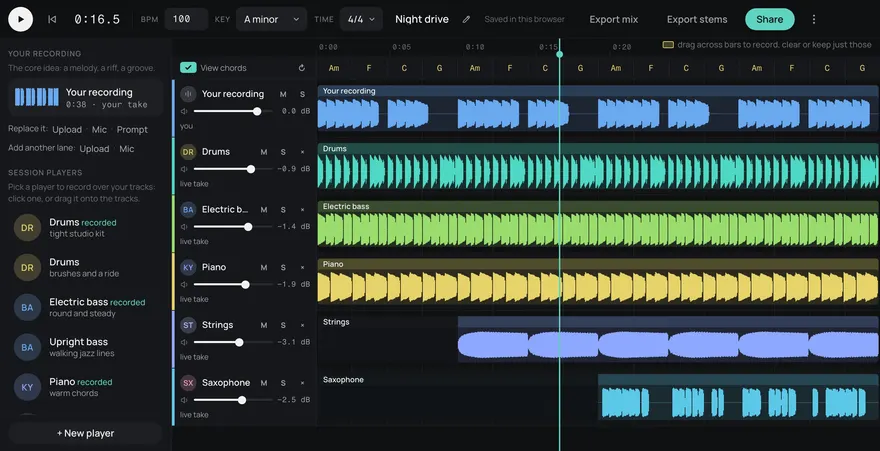
an upbeat synthwave loop for a starting soon screen, driving bass, steady drums and bright arpeggiosExample
Drums
Bass
Guitar
Keys
Other
Starting soon, be right back, ending screens, and something low under the game: describe the mood and get a seamless loop that can run as long as the break does.
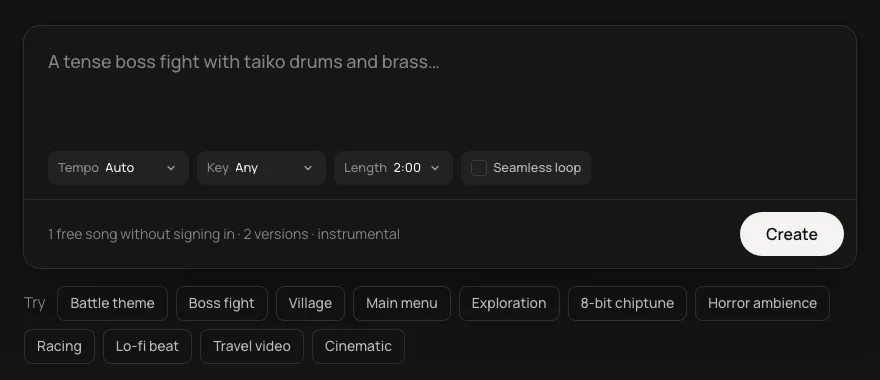
This is an example. Describe your own above and it comes like this too: solo a part, redo one, download them, or edit it in Studio.
Made from these words on this page, each with its stems. Move a level, or press M or S, to hear a part on its own.
Each part of a stream asks for different music:
Use the same tempo and key across them and the stream sounds like one channel.
A be right back screen can sit for two minutes or twenty. Seamless loop is on here, so the track is made to repeat with no click where it wraps. Set a tempo and the loop is whole bars, so it never stumbles. Make two or three for the same screen and rotate them so regulars don't hear the same thing every stream.
Each loop comes as five stems that add up to the mix. For just chatting, drop the keys or guitar, which sit where your voice does, and keep the drums and bass quietly underneath. Same loop, two versions, lined up exactly. For lo-fi break music, see the lo-fi music generator.
Quieter than you think. Pick something steady with no lead melody, and drop the busiest stem so it doesn't compete with game sound or your mic.
Make your screens from one description and change only the mood word between them, with the same tempo and key.
The music is made for you from your description, and it's royalty-free for commercial use on every plan, streams and their VODs included.
Leave Seamless loop on, as it is here. The track is made to repeat, in whole bars, so it wraps without a gap.
Yes. Every song is royalty-free on every plan, Free included: use it in commercial games, videos, streams, podcasts and apps.
Yes. Add https://gen.daydream.live/mcp as a custom connector in Claude, or as a custom MCP server in ChatGPT, or add the Daydream app from ChatGPT's directory, and sign in with your Daydream account. Then describe a song in the chat: it plays there with its stems in their own lanes, and if you ask for new drums it makes that part again with the other four as they are. It spends the same credits as this page, 5 a song. How to add it.