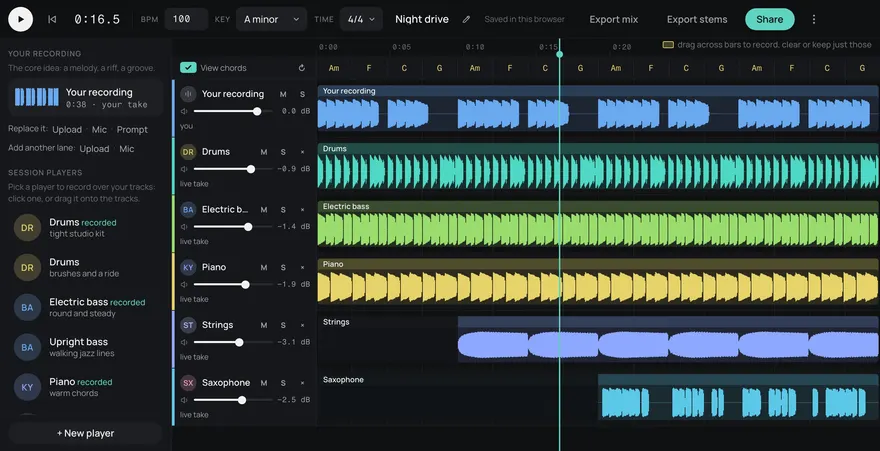
Drums
Bass
Guitar
Keys
Other
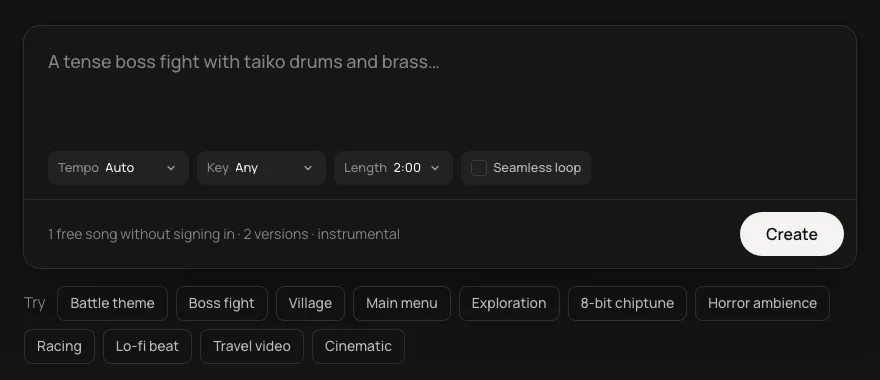
Name the key, the tempo and the style, and get a band to play over. Mute the part you play yourself and the rest keeps going.
This is an example. Describe your own above and it comes like this too: solo a part, redo one, download them, or edit it in Studio.
Made from these words on this page, each with its stems. Move a level, or press M or S, to hear a part on its own.
A backing track is useful when it matches what you are practising. Count it in the way you would for a band: the style, the key, the tempo, who is playing, and who is sitting out.
Every track is made as five parts: drums, bass, guitar, keys and other. They line up exactly, so you can take one away and the rest still sounds like a band.
Download the stems you want and load them into whatever you practise with, or open the track in Studio to mute parts while it plays.
Turn on Seamless loop and the track ends where it begins, in whole bars, so it repeats without a click for as long as you keep playing. That suits a vamp, a blues or a rhythm section loop you want to solo over for ten minutes.
To work a passage up to speed, make the same description at 70 BPM, then 85, then 100, in the same key. For a set, keep the key and change the style, so you hear how the same changes feel as a shuffle, a funk groove and a ballad.
You can name a common form, like a 12-bar blues in A or a two-chord vamp, and set the key so it lands where you expect. A long list of exact chords in the description is not followed reliably, so describe the form and the feel, listen, and make another if the changes aren't the ones you wanted.
Yes. Tracks you make here are royalty-free, so you can play or sing over one and use the recording in videos, streams and lessons, commercial or not.
Yes. Every track comes as five parts: drums, bass, guitar, keys and other. Download the ones you want, or open the track in Studio and mute the guitar, and you have a band with a space where you play.
Yes. Every song is royalty-free on every plan, Free included: use it in commercial games, videos, streams, podcasts and apps.
Yes. Add https://gen.daydream.live/mcp to Claude or ChatGPT (or the Daydream app in ChatGPT) and describe a song in the chat: it plays there with its stems. How to add it.
Updated