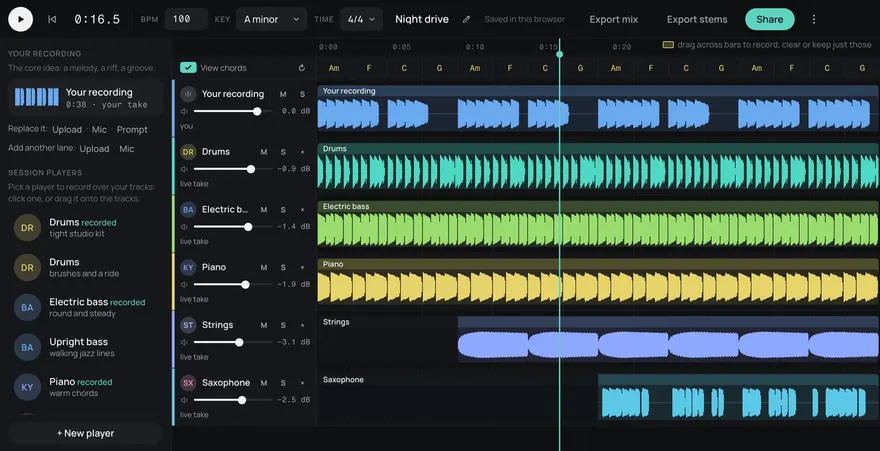
Drums
Bass
Guitar
Keys
Other
The last thing players hear after the final boss. Make a credits piece up to two minutes long that starts quietly, builds, and ends on purpose instead of looping.
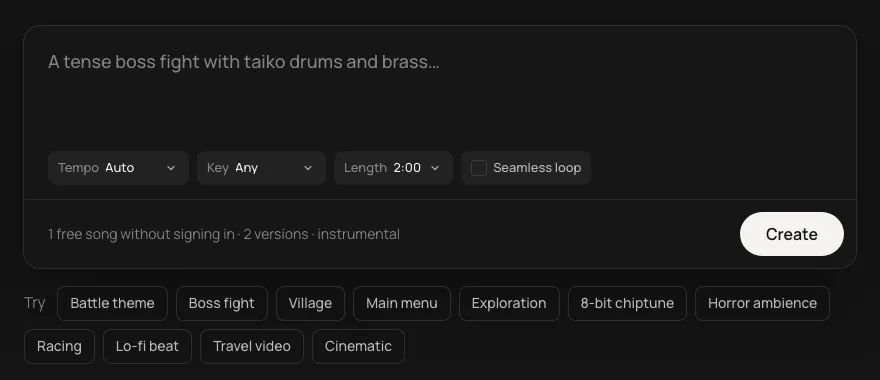
This is an example. Describe your own above and it comes like this too: solo a part, redo one, download them, or edit it in Studio.
Made from these words on this page, each with its stems. Move a level, or press M or S, to hear a part on its own.
Credits music is the one cue in a game that doesn't loop. It plays once, from the first name to the last, and it should feel like a complete piece: a quiet opening, a build, and a real ending. Leave Seamless loop off and set the length close to the full two minutes.
Credits often return to the sound the game opened with. Use the key of your title theme and describe the same lead instrument, and the ending will feel related to the start. Each track is made from its own description, so it won't replay the exact melody, but a shared key and instrument go a long way.
Every track comes as five stems (drums, bass, guitar, keys and other). If the credits end on a dedication or a thank-you card, drop the drums and let the keys carry the last bars.
If your credits run longer than two minutes, make two pieces in the same key, one gentle and one that builds, and play them back to back. A post-credit scene can then cut in with a short cue, loop off, in the same key. The game music generator has more on keeping a soundtrack in one key.
Make the piece first, then set the scroll speed so the last card lands on the final chord. It is easier to fit the credits to two minutes of music than the music to the credits.
Yes. Plenty of games end on a celebration. Ask for a march, a dance or a bright 8-bit ending, and still describe how it finishes, so it stops rather than loops.
Make two pieces in the same key, a gentle one and one that builds, and play them back to back. Or follow the credits piece with a quiet loop made in the same key for the rest of the scroll.
Yes. Every song is royalty-free on every plan, Free included: use it in commercial games, videos, streams, podcasts and apps.
Yes. Add https://gen.daydream.live/mcp as a custom connector in Claude, or as a custom MCP server in ChatGPT, or add the Daydream app from ChatGPT's directory, and sign in with your Daydream account. Then describe a song in the chat: it plays there with its stems in their own lanes, and if you ask for new drums it makes that part again with the other four as they are. It spends the same credits as this page, 5 a song. How to add it.